This usually happens if your browser is set to "Ask every time" or is in Incognito/Private mode.
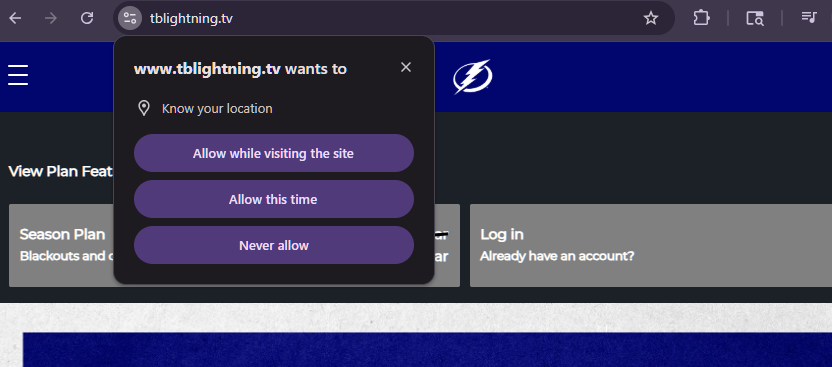
To resolve this issue, click the Lock Icon ? (or the icon pictured below) located next to the website URL. Change the Location permission setting from "Ask" to "Allow" or "Always Allow."
Clear cache and cookies.
Was this article helpful?
That’s Great!
Thank you for your feedback
Sorry! We couldn't be helpful
Thank you for your feedback
Feedback sent
We appreciate your effort and will try to fix the article